Web DICOM viewer
NextViewer Clinical
The images you need. Where you need them.
Consult and review medical images in your browser, with clinical tools and an interface adapted to computers, tablets and phones.
Request a demo- Clinical review
- Connected to NextRIS
- Desktop and mobile
Less friction in everyday work
Practical tools to support your team.
Review the study in context
Navigate series and images from compatible modalities, including CT, MRI, radiography, mammography and ultrasound, alongside available study information.
Explore and highlight details
Adjust window, zoom and pan. Use measurements, regions of interest and arrows according to the enabled tools.
Connect series and planes
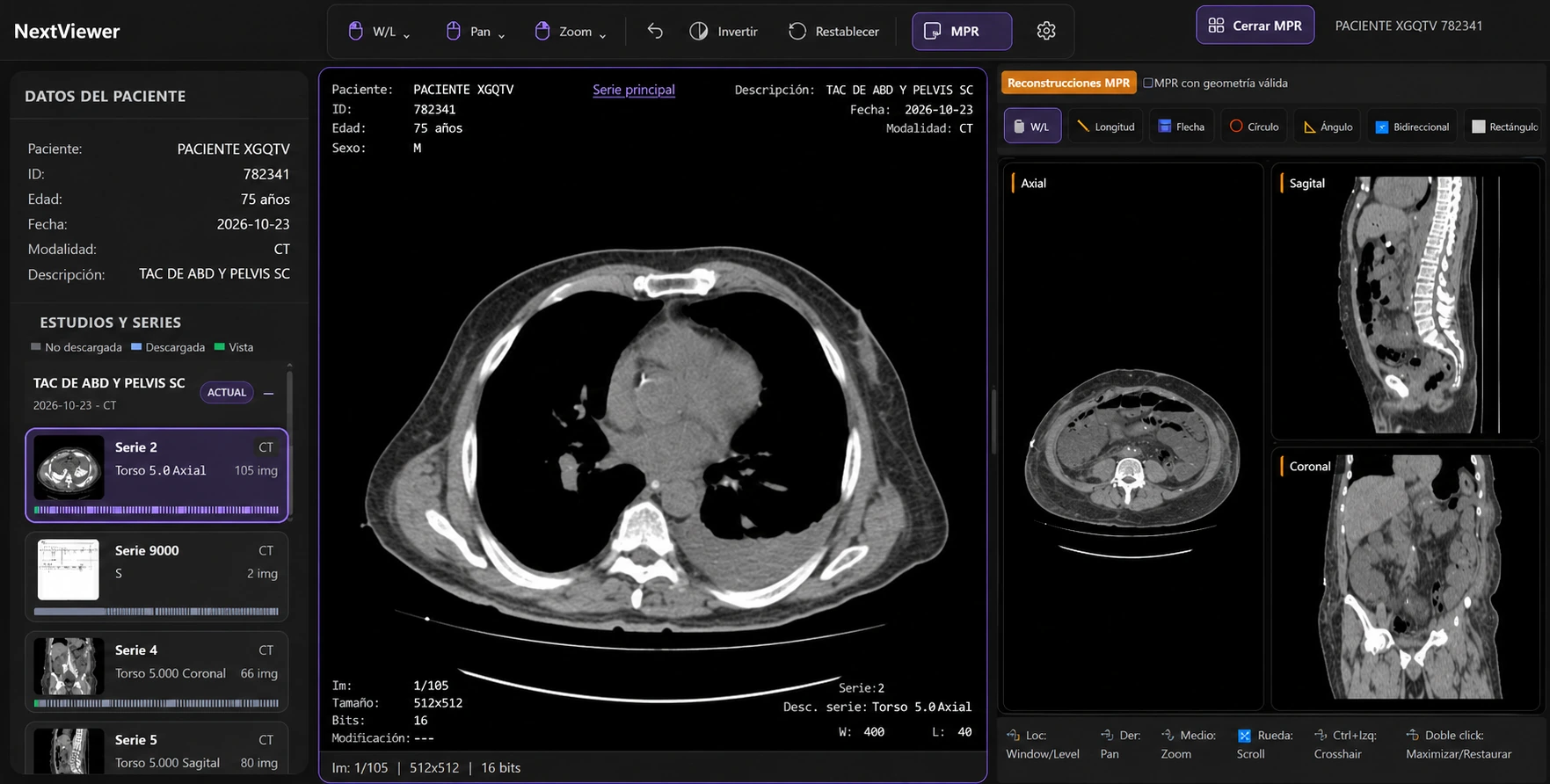
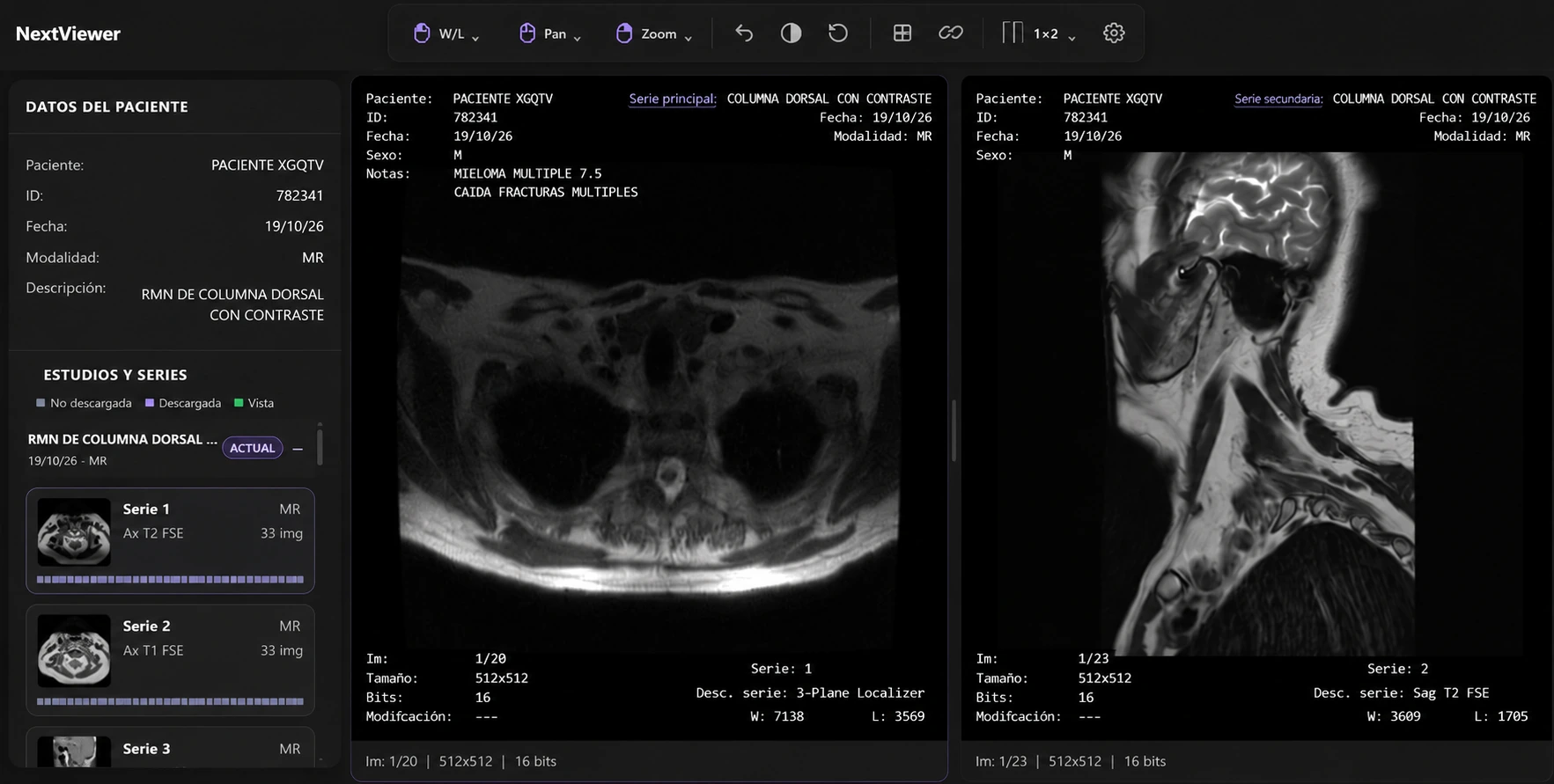
Arrange series in multiple viewports and link navigation when compatible. Use axial, sagittal and coronal MPR with suitable volumes.
Access across devices
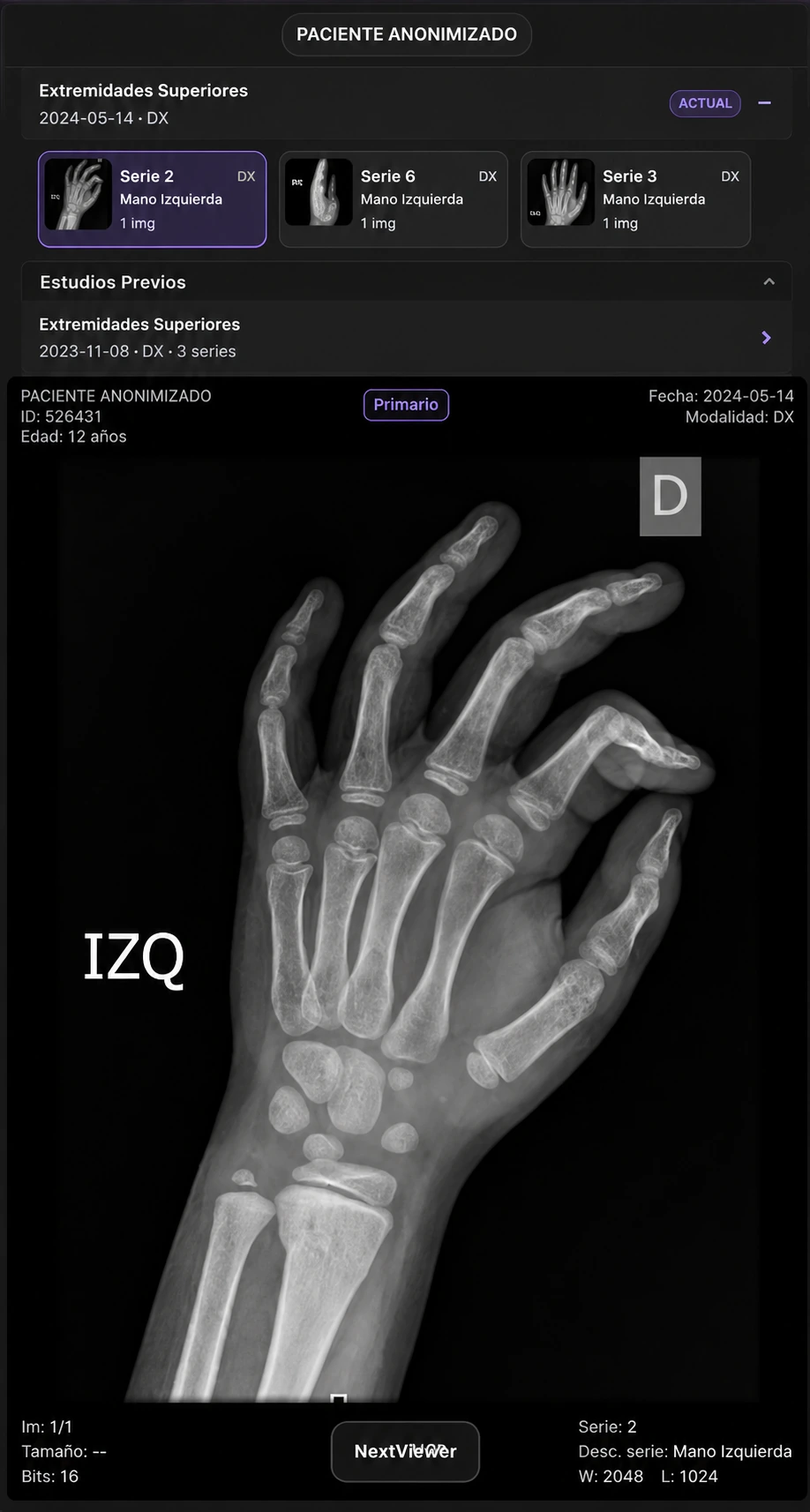
Review images with touch controls, collapsible panels and pinch-to-zoom. Enable access through the patient portal or temporary links.
NextViewer Clinical
Tools and benefits for each modality
Choose a modality to see how NextViewer supports study review.
Organized projections, details in view
Review projections side by side, enlarge details and keep the examination clearly arranged.
Available tools
- Preset frontal and lateral layout
- Image selection and chest X-ray window preset
- Magnification, measurements and annotations
Automatic frontal/lateral assignment depends on identification available in the DICOM data.
Explore captures and select the frame of interest
Browse examination images and highlight structures during review, including on compatible tablets and phones.
Available tools
- Compatible images and multiframe objects
- Frame navigation, zoom and magnifier
- Measurements, arrows and regions of interest
Multiframe support allows frame navigation; it does not imply automatic video playback or specialized Doppler analysis.
Connect sequences and navigate between planes
Find corresponding positions without scrolling each series separately. Reference lines help orient the review between planes.
Available tools
- MR-specific hanging protocols
- Linked navigation and automatic linking for compatible series
- Reference lines, MPR, and brain and knee presets
Linked navigation depends on spatial compatibility. MPR requires suitable series and the feature to be enabled.
One volume, different windows and perspectives
Switch between presentations of the same study, keep separate window settings in each viewport and review the volume from different planes.
Available tools
- Slice navigation and multiple series on screen
- Lung, bone, abdomen, brain and soft-tissue presets
- Axial, sagittal and coronal MPR; 3D visualization when enabled
MPR and visualization tools depend on the series, configuration and available resources.
A shared set of tools
Zoom, magnifier, pan, window and contrast, inversion and reset. Distances, angles, bidirectional diameters, arrows and regions of interest according to configuration.
Physical measurements require valid DICOM calibration; otherwise values may be expressed in pixels. MPR requires the feature to be enabled, compatible geometry and sufficient device resources.
An experience for each access mode
NextViewer 5.0 Clinical connects DICOM image review with NextRIS and your institution’s PACS, with distinct access for professionals and patients.
Professionals
Review tools, notes and DICOM attributes according to authorization. Personal layouts when enabled.
Patients
Access to their available images, with capabilities tailored to their access mode.
External recipients
Access to the shared study, subject to expiry and revocation managed in NextRIS.
What you need to know
A connected image review experience
Open the selected study from NextRIS, the patient portal or a valid shared link. Clinical notes and full DICOM attribute inspection are reserved for identified clinical staff.
When is multiplanar reconstruction available?
MPR requires the feature to be enabled, a CT or MRI series with valid geometry, and enough device resources. Linked navigation also depends on the spatial compatibility of the series.
Are measurements saved?
Measurements and annotations remain available during the review session; they are not a persistent clinical record. NextViewer Clinical is intended for consultation and clinical review. Availability and performance depend on the PACS, study, browser, device and connection.
Let’s talk about your institution
We review your workflow and show you the capabilities that fit your service.
Explore also NextRIS